Run the whole restaurant on one system.
Counter, phone, website, kiosk and delivery orders arrive in one place. The register, the kitchen display, sales reports and your own ordering website are free, forever.
No signup and no card. A working test restaurant opens in your browser in about 10 seconds.
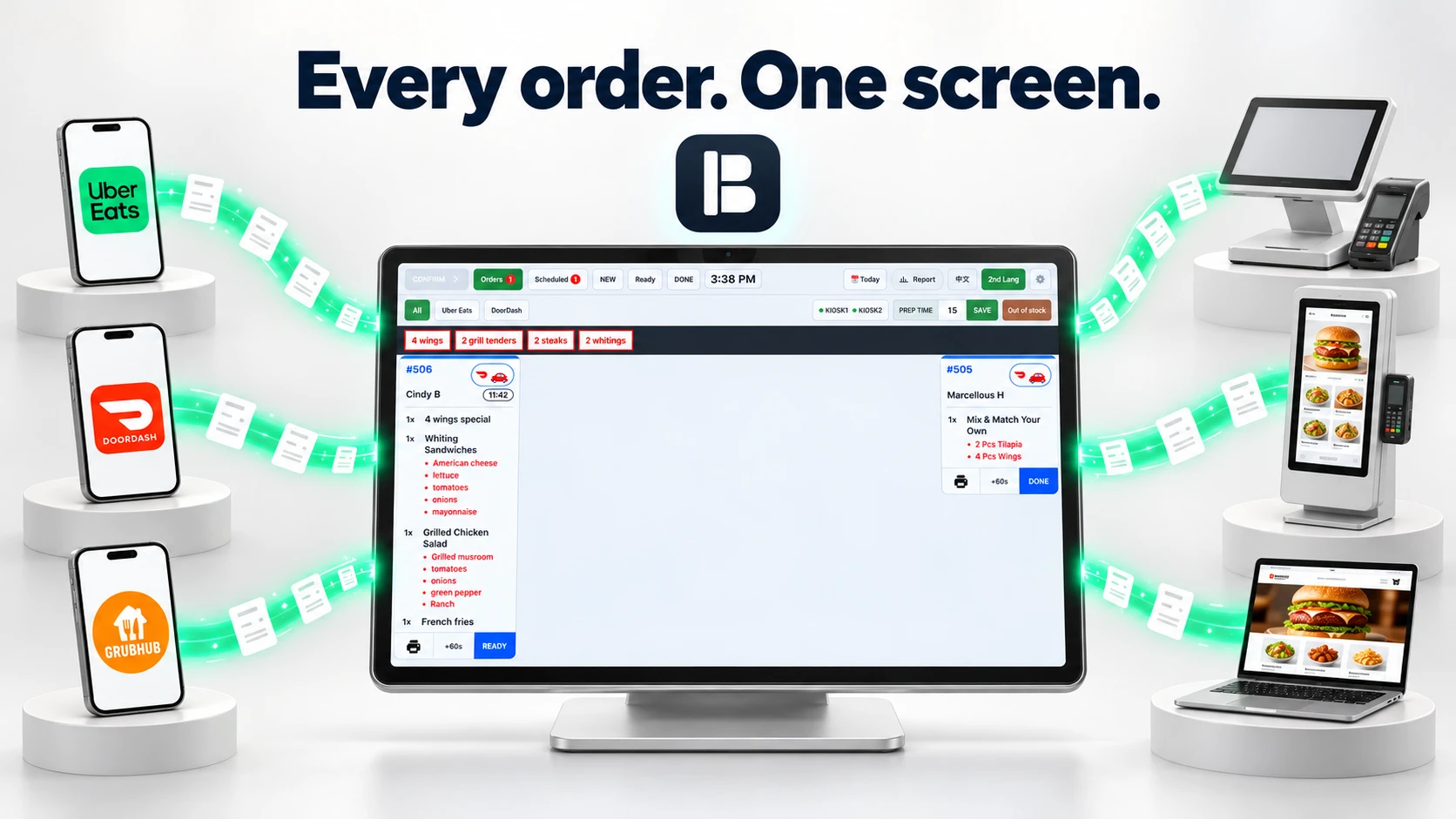
Every order lands on one kitchen screen.
Counter, phone, website, kiosk, DoorDash, Uber Eats and Grubhub. The kitchen watches one display.
- CounterRung up at the register.
- PhoneTyped in while the guest is on the line.
- Your websiteThe guest orders on your own page.
- KioskThe guest orders and pays alone.
- DoorDashArrives by itself.
- Uber EatsArrives by itself.
- GrubhubArrives by itself.

The register, and the screens around it.
The register and the kitchen display come free with every account. A self-order kiosk or an order status screen is $25 a month each.
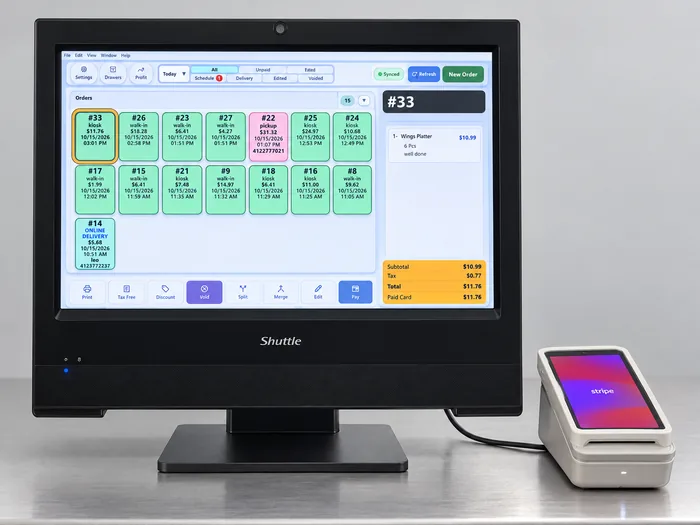
The register
Rings up counter and phone orders, prints the receipt, opens the drawer and takes the card. It runs on a Windows PC or an Android tablet.
One is included free. An extra register is $25 a month.
-
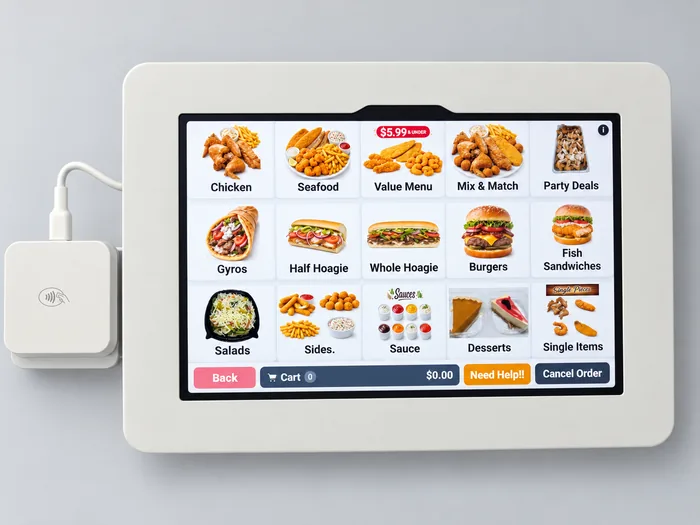
The self-order kiosk
Guests build the order and pay by card on their own. The ticket goes straight to the kitchen display.
$25 a month.
-
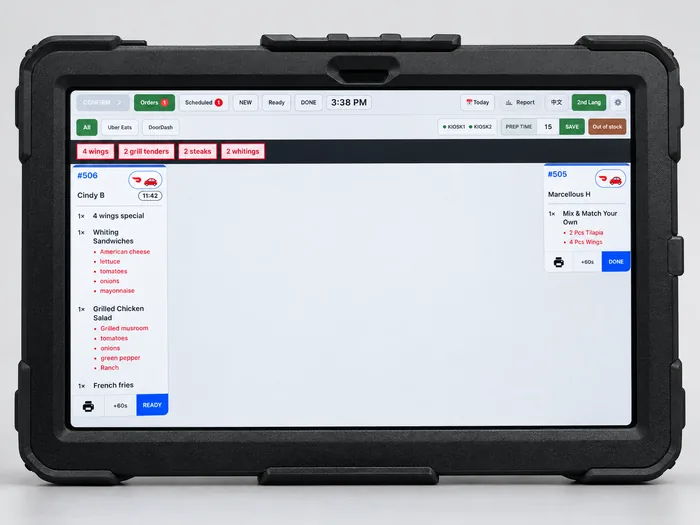
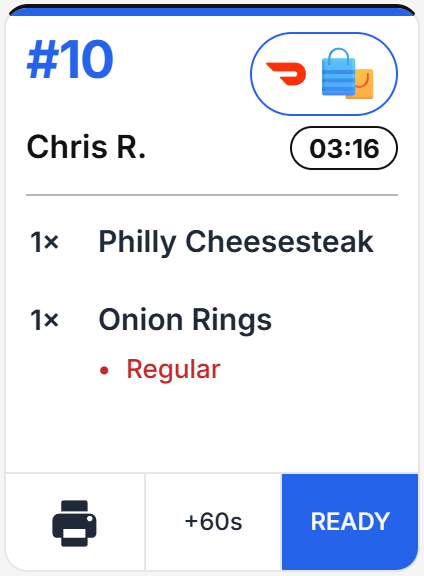
The kitchen display
Every order lands here the moment it is sent, from the counter, the website, the kiosk and the delivery apps. Tap Ready when the food is up.
One is included free. An extra display is $25 a month.
-
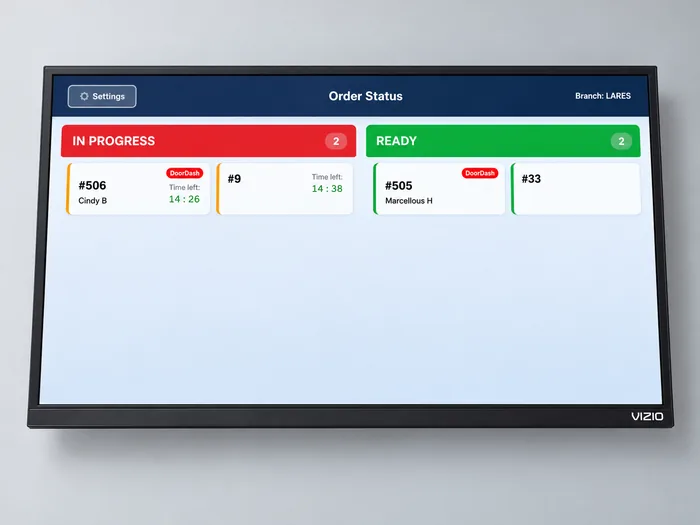
The order status screen
A wall screen guests watch. An order moves from In progress to Ready with its number and name.
$25 a month.
Start free, then add a device for $25 a month.
The free plan stays free. There are no setup fees and no contracts.
The card rate is printed here.
- 2.9% + 5¢
- In person, on Free and Grow
- 2.7% + 5¢
- In person, on Unlimited
- Runs on
- Android tablets and Windows PCs
- When the internet drops
- It keeps taking orders
- Setup fees and contracts
- None
Guests can order and pay on their own.
The self-order kiosk shows your menu with your photos. A guest builds the order and pays by card, and the ticket goes to the kitchen display.
Each kiosk is $25 a month, about what one hour at the counter costs.

Delivery app orders arrive on their own.
Uber Eats, DoorDash and Grubhub orders show up in the register and on the kitchen display. Nobody re-types them from a tablet.
Delivery integration is $120 a month, and it is included in Unlimited.
Your own ordering website is free.
Guests order from their phone on a page with your menu and your prices. The order arrives in the register and on the kitchen display like any other.
It is included in every plan.

Deliver from your own website, without the app's commission.
A guest orders and pays on your website, and a DoorDash, Uber or Grubhub driver brings the food. The guest pays the delivery fee, as on the app. The food total stays yours, less card fees.
The kitchen display shows when the driver is on the way, and the order closes itself when the driver picks it up.
Sold out? One tap on the kitchen screen.
Tap an item off on the kitchen display and it comes off the register, the kiosk, your website and the delivery apps. Try it on any switch.
Burgers & Hoagies (6)
A working copy of the out-of-stock list on the kitchen display. Tap any item.
- The register
- CheeseburgerOut of stock
- Crispy Chicken BurgerOut of stock
- Grilled Chicken BurgerOut of stock
- Cod Fillet SandwichOut of stock
- Steak HoagieOut of stock
- Buffalo Chicken HoagieOut of stock
- Your website
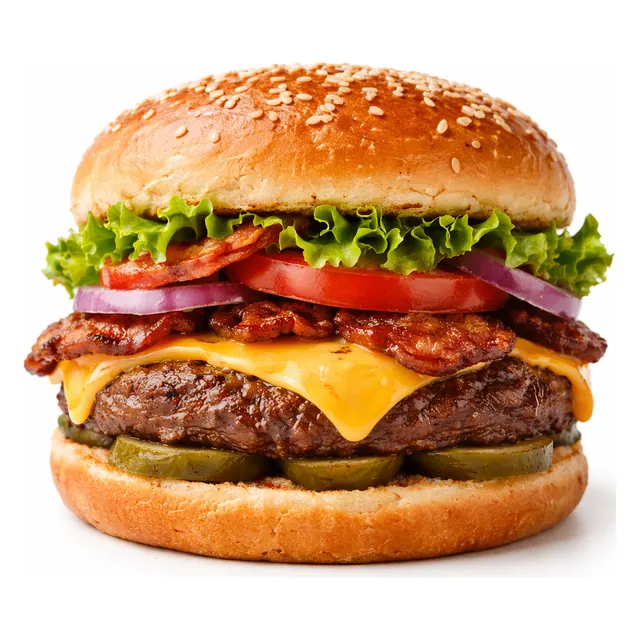
- CheeseburgerBeef patty, American cheese, lettuce, tomato, onion, pickles.$8.99
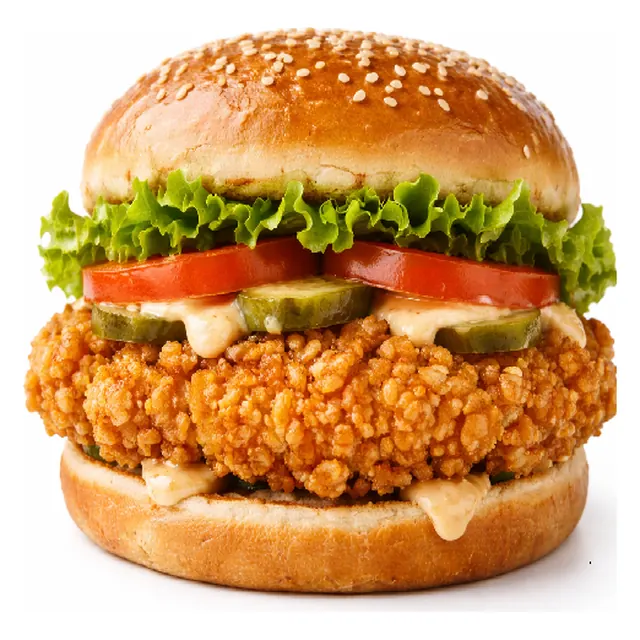
- Crispy Chicken BurgerHand-breaded chicken breast, lettuce, tomato, mayo.$8.99
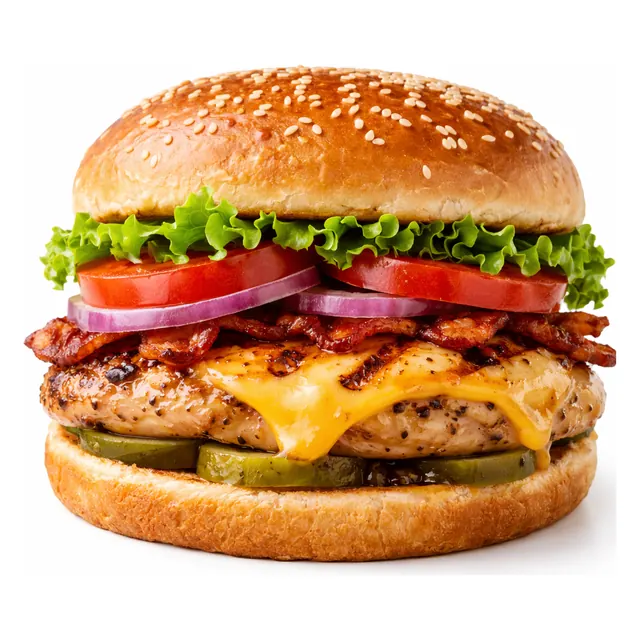
- Grilled Chicken BurgerGrilled chicken breast, cheese, lettuce, tomato.$8.99
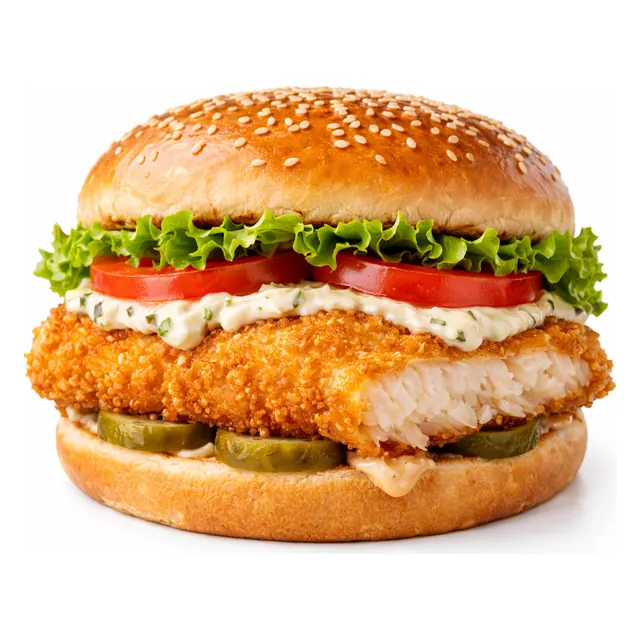
- Cod Fillet SandwichCrispy cod fillet, tartar sauce, lettuce, tomato.$7.99
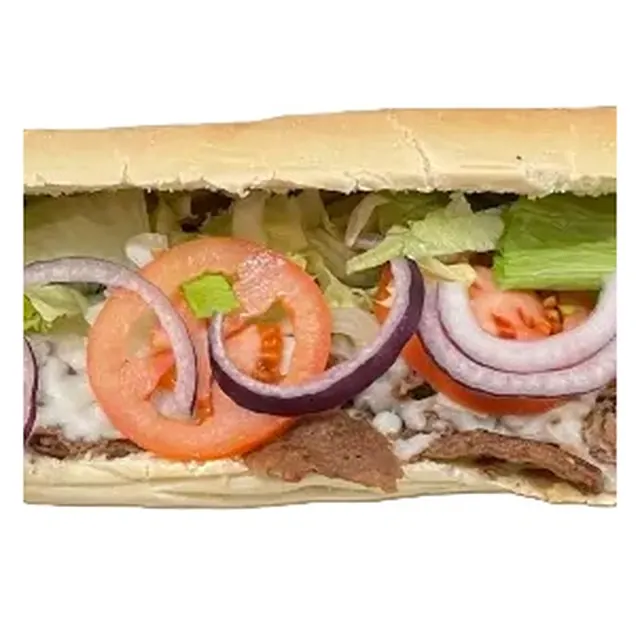
- Steak HoagieShaved steak, lettuce, tomato, onion, mayo on a hoagie roll.$13.99
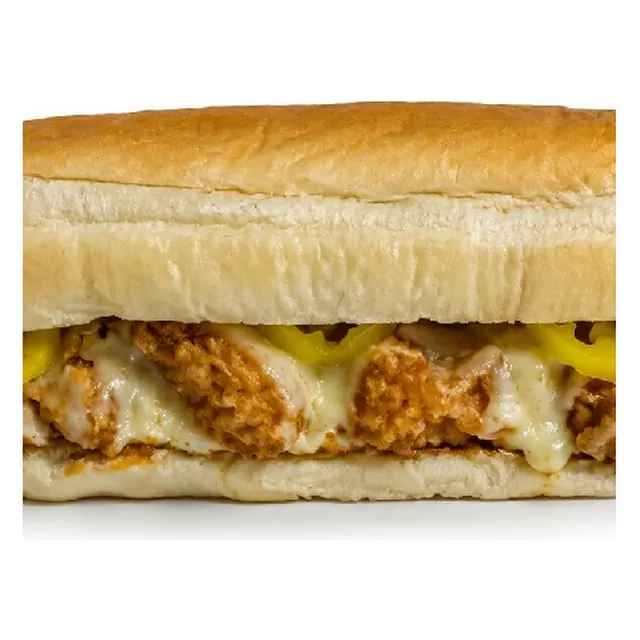
- Buffalo Chicken HoagieCrispy chicken tossed in buffalo sauce, cheese, ranch.$13.99
- Nothing left in Burgers & Hoagies.
- CheeseburgerBeef patty, American cheese, lettuce, tomato, onion, pickles.$8.99
- Delivery apps
-
 DoorDash
 Uber Eats
 Grubhub
Every item available.
What changes at the counter.
Two kiosks, an order status screen and online ordering. Drag the handle.
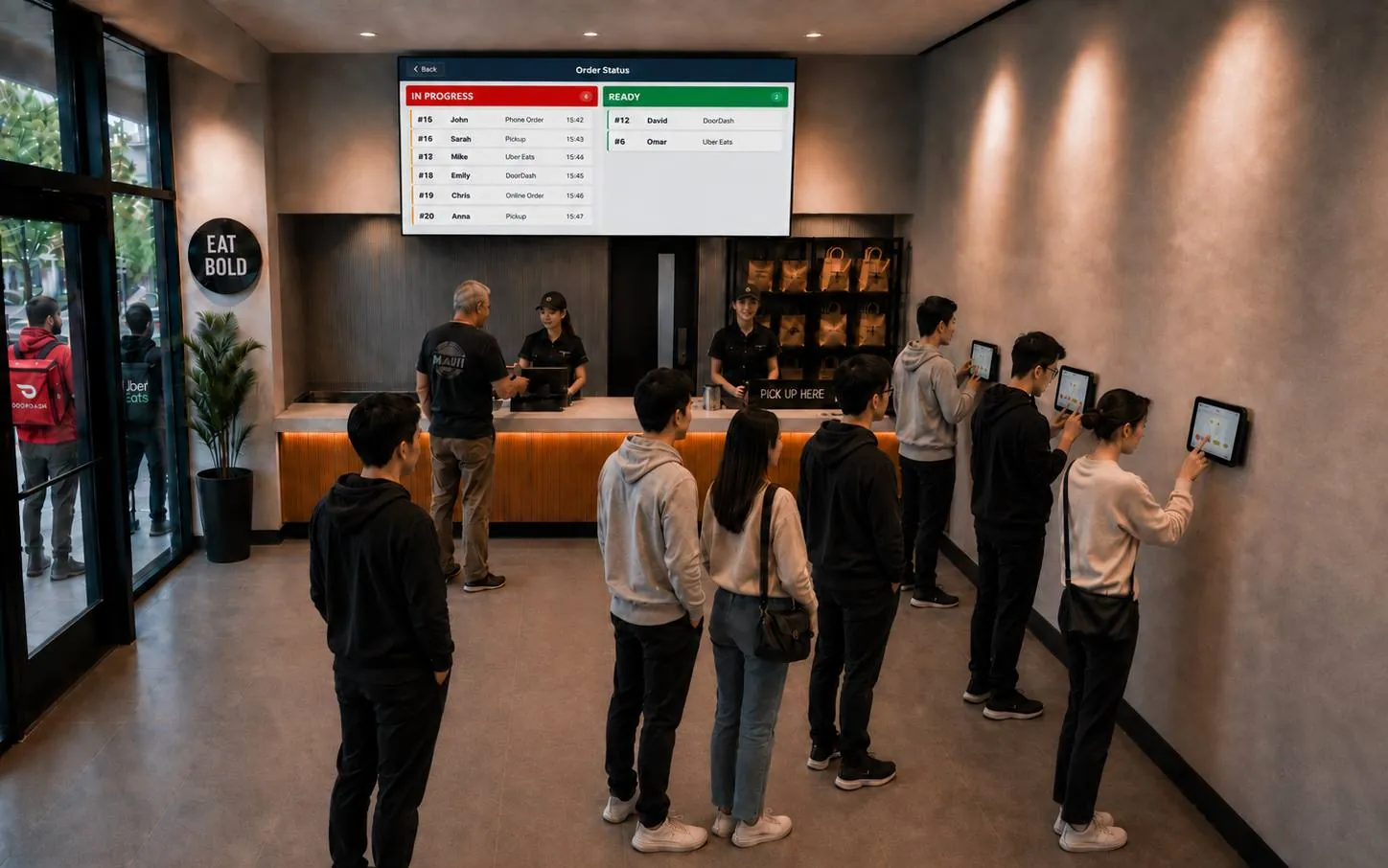
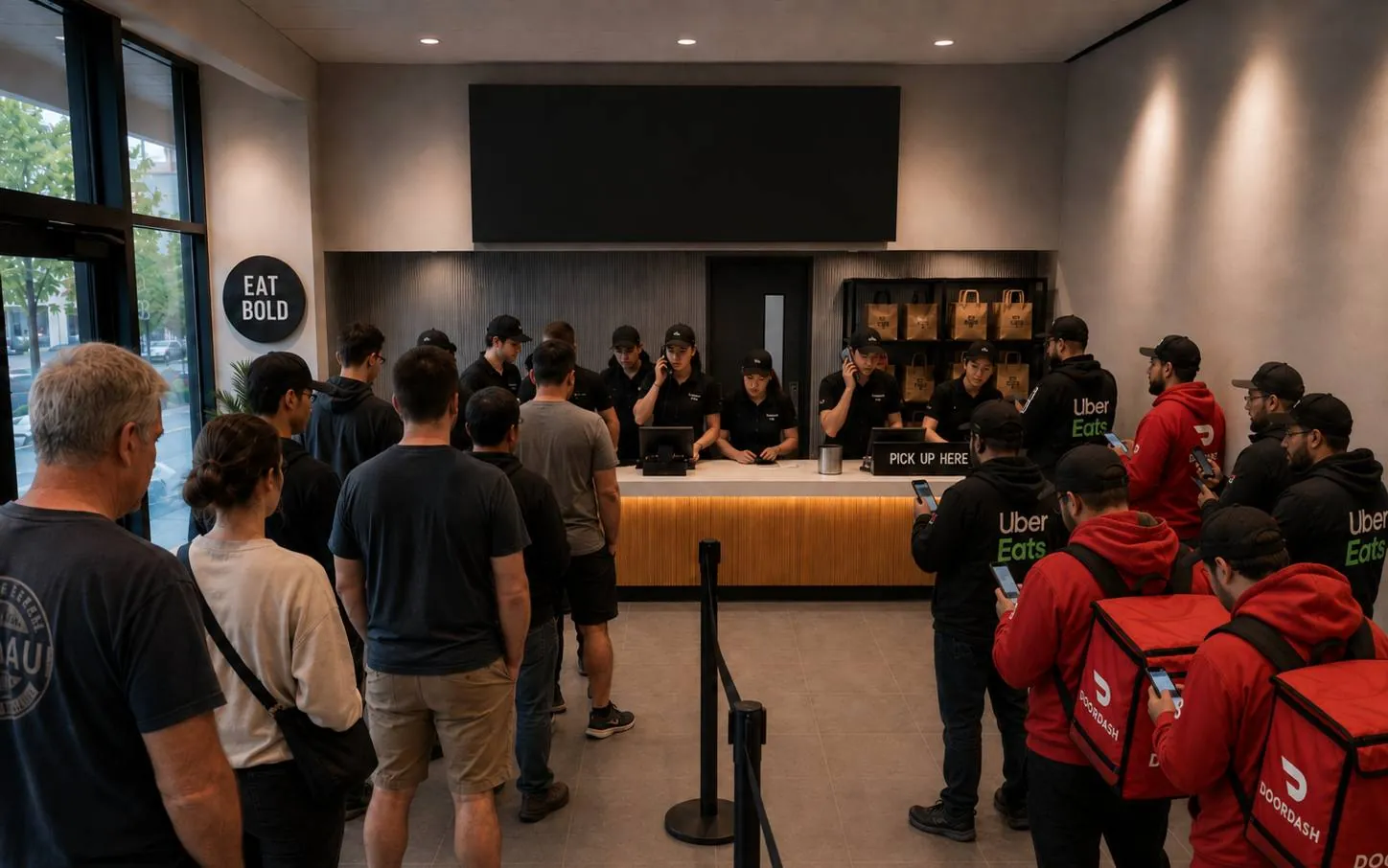
- Two kiosks take the line.
- An order status screen calls the name.
- Couriers wait by the door, not at the counter.
Why Brisqora.
- The core is free.
- The register, the kitchen display, sales reports and your ordering website cost $0 a month, with no trial period.
- The card rate is published.
- In person, cards cost 2.9% + 5¢ on Free and Grow, and 2.7% + 5¢ on Unlimited.
- There is no contract.
- No setup fees and no contracts, on any plan.
- It runs on hardware you can buy anywhere.
- Android tablets and Windows PCs.
- It keeps working offline.
- When the internet drops, it keeps taking orders at the counter.
- We set it up with you.
- We set up every device with you on a call.
Questions owners ask.
Short answers to what we hear on the phone. For the rest, call +1 (412) 378-0004.
Is the free plan really free?
Yes. The register, the kitchen display, sales reports and your ordering website cost $0 a month, with no time limit, no setup fee and no contract. Brisqora earns on card payments, at the rate printed above, and on extra devices at $25 a month each.
What hardware do I need?
An Android tablet or a Windows PC for the register, and another for the kitchen display. A receipt printer and a cash drawer connect to the register, and card payments run through a card reader. We set every device up with you on a call.
What does it cost to take cards?
In person, cards cost 2.9% + 5¢ on Free and Grow, and 2.7% + 5¢ on Unlimited. The card reader is set up with the rest of your devices.
What happens when the internet drops?
The register keeps taking orders at the counter and sends them on when the connection returns. Card payments, the ordering website and the delivery apps need the connection.
Which delivery apps connect?
Uber Eats, DoorDash and Grubhub. Their orders arrive in the register and on the kitchen display, so nobody re-types them from a tablet. You keep your accounts with the apps, and we connect them during setup. The add-on is $120 a month and is included in Unlimited.
Can guests order from my own website?
Yes. Every plan includes an ordering website with your menu, your photos and your prices. It can run on your own domain name or on a link we give you, and the orders land in the register and on the kitchen display like any other.
Can the kitchen read orders in another language?
Yes. Each item can carry a second name, in Chinese or any other language, and the kitchen display can switch to it with one tap.
Does it handle dine-in tables?
Yes. Tables sit on a floor plan, each table keeps its own open order, and a server's tips are tracked and paid out from the register. A dine-in tablet, where guests order from the table, is $25 a month.
Can I try it with my own menu?
Yes. Open the test restaurant, then bring in your real menu from a link or a photo of it. You check what came in before it replaces the sample menu. When you are ready to go live, we set up every device with you on a call.